Windows 11 flaw lets attackers get past the lock screen, even with BitLocker
In short: A researcher released FastUnlock, an unpatched flaw that uses Narrator to bypass the Windows 11 lock screen. It requires physical access, and Microsoft has not fixed it yet.
A researcher known as Nightmare Eclipse has released FastUnlock, a zero-day flaw in Windows 11 that lets someone get past the lock screen and use the PC without the password, according to Tom's Hardware and Windows Report. The researcher claims it works even on machines protected with BitLocker and running the November 2026 updates.
How does the Windows 11 flaw work?
It abuses Narrator, the accessibility tool that reads the screen aloud. According to Cyber Kendra, Narrator's new interface was not blocked on the sign-in screen, even though the older code had that protection. From there, an attacker can reach options that should not be available before signing in and run programs from a USB drive. The researcher posted it on GitHub on November 19 without warning Microsoft first.
Is my PC at risk?
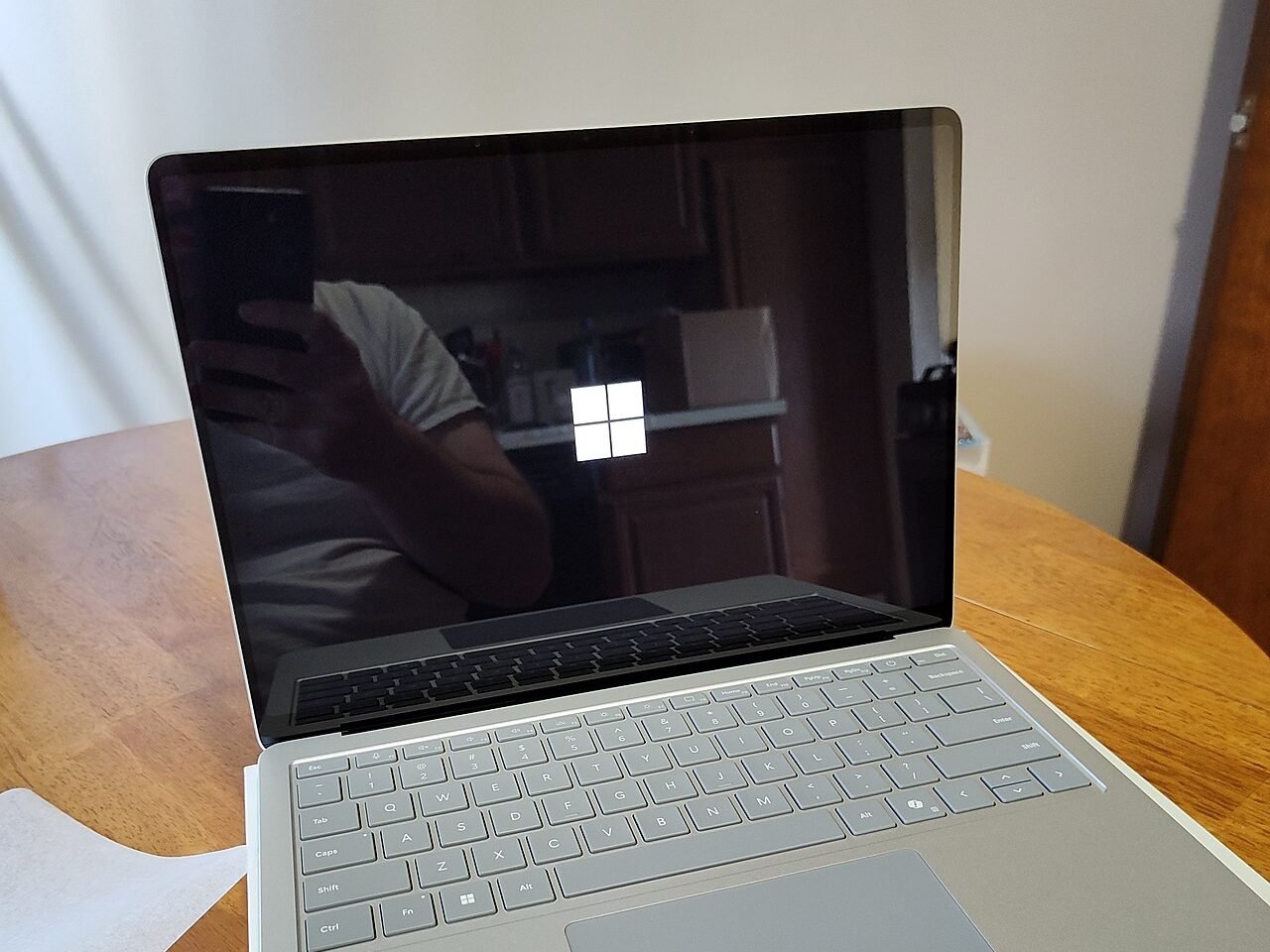
The attack requires physical access to the computer: it cannot be done over the internet. According to the researcher, the PC also needs at least one account linked to a Microsoft account; machines that only use local accounts would not be vulnerable. The biggest risk is a laptop left on and locked. Windows Report notes it has not been shown to read a BitLocker drive while the PC is powered off. Microsoft has not released a patch or an official advisory yet.
How can I protect myself until the patch arrives?
Don't leave your laptop unattended while it is only locked: shut it down. If you use BitLocker, turn on a startup PIN (TPM + PIN, per Microsoft's guide) so the drive does not unlock until you type that PIN. Install Windows updates as soon as Microsoft ships the fix. In companies, the researcher suggests blocking Narrator with AppLocker until the patch arrives.
Watch Microsoft's official BitLocker video and share this story with anyone who uses Windows 11. Keep reading: DDR6: next-gen RAM will be 44% shorter and start at 12,800 MT/s · Google takes down a botnet hidden in 1.3 million Android TV boxes · More PC news.
Try these too
Keep reading
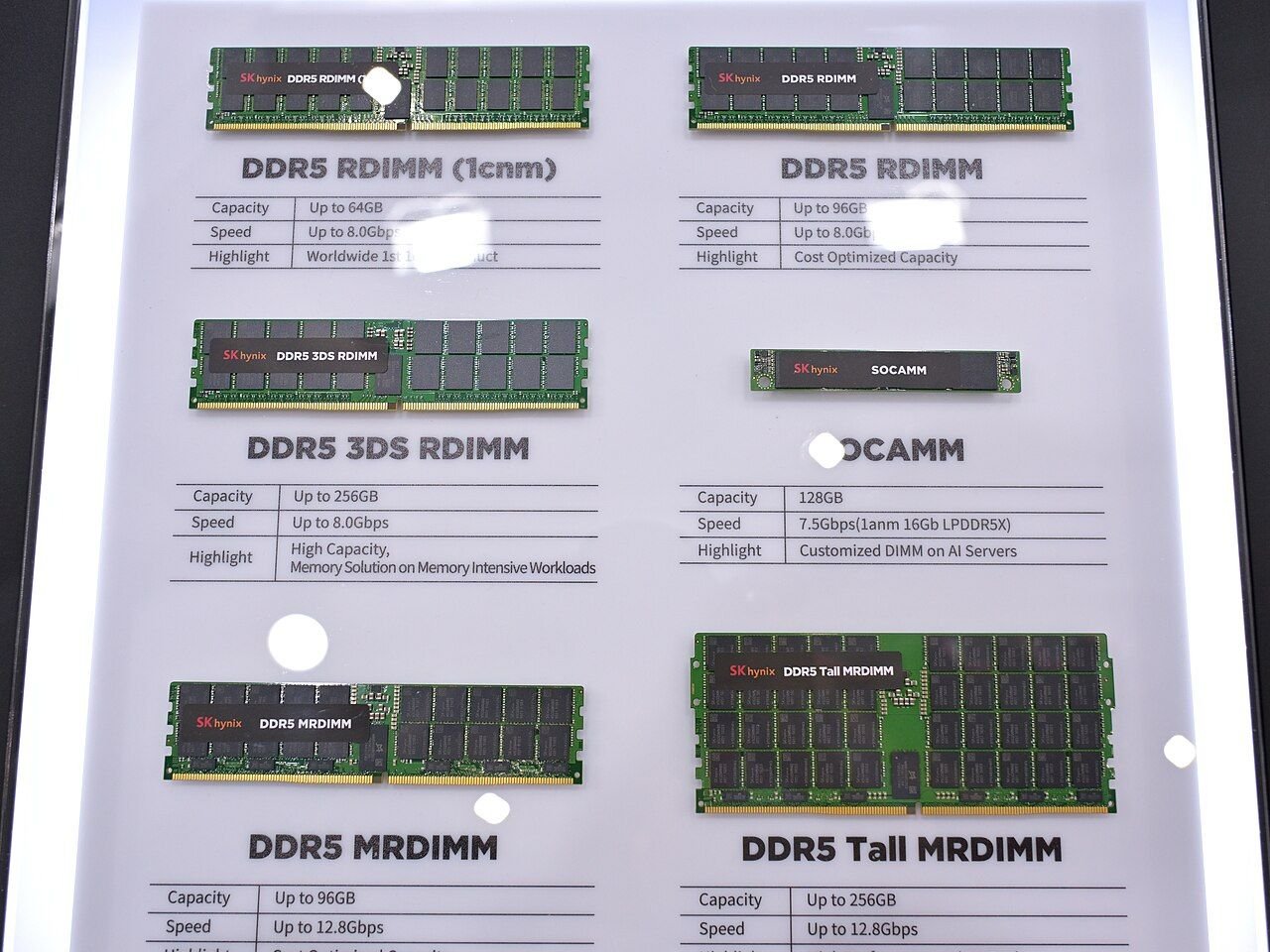
DDR6: next-gen RAM will be 44% shorter and start at 12,800 MT/s
JEDEC shared the first preview of the DDR6 standard: 74 mm modules, twice the banks and up to four times DDR5's baseline bandwidth. It could arrive around 2029.
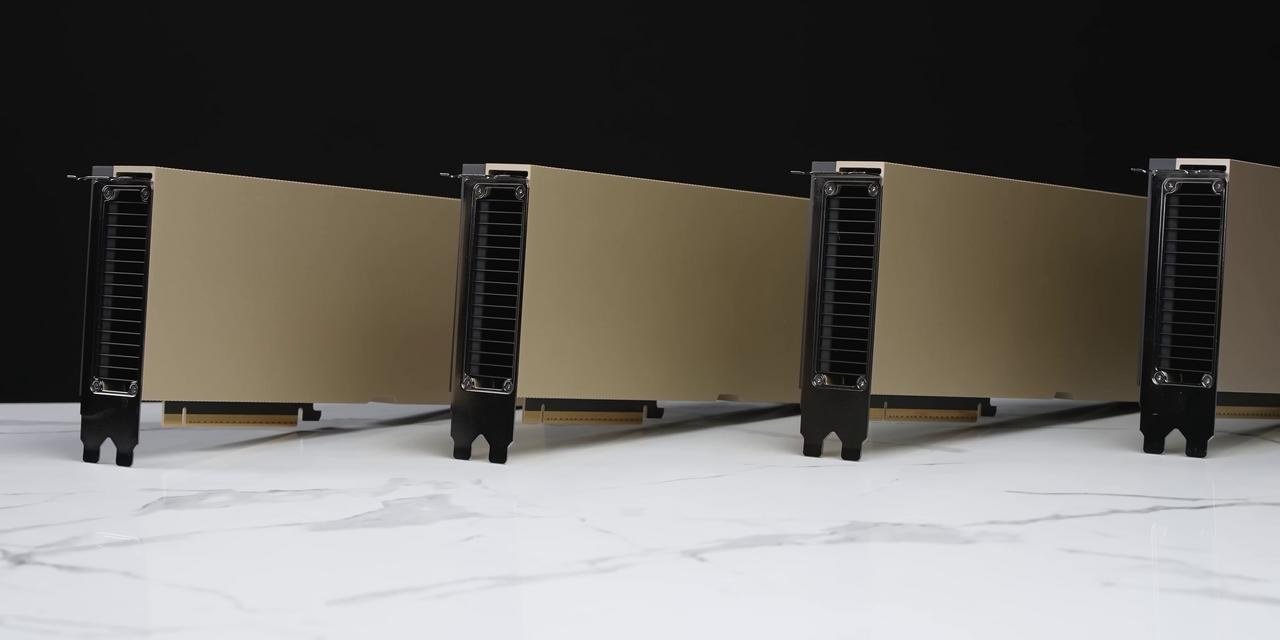
$11.4 million of Nvidia hardware stolen: six pallets vanished between Oakland and Texas
A truck posing as a food company took the shipment in California. Authorities are investigating and there are no arrests.
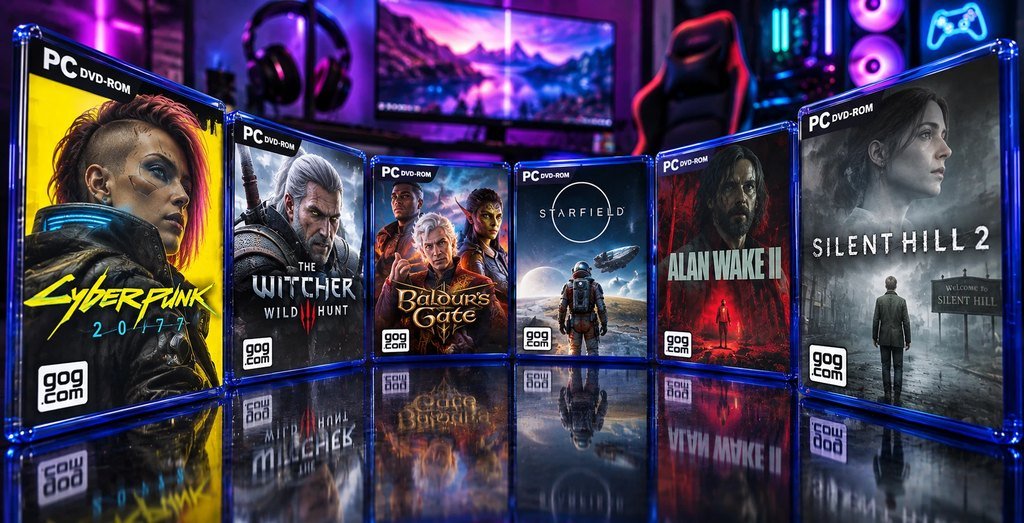
GOG wants to sell boxed PC games again, but admits it is 'very, very complicated'
The DRM-free store is exploring shipping physical copies of games you already own in your digital library.